
How to Use Our Templates
1) Purchase & Download
After purchase, download the supplied PDF that contains the template link to Canva.


2) After You Click the Link
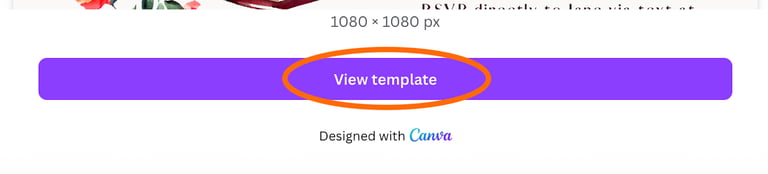
Once you click the link, it will take you to a Canva webpage, and then click "View Template". At this point, you will need to log in to your Canva account if you are not already logged in. You may need to create an account if you do not have one already. [Creating an account is free, and all our templates are usable with a free account.] Once in your account
Next, click "Open in Editor".
3) Edit Your Template
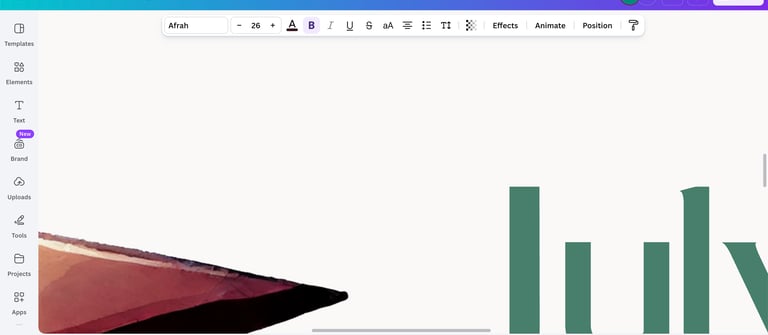
Using Canva's easy-to-navigate editor, edit the text to reflect the details of your event. Some templates even let you change the color of certain design aspects. If you are brand new to Canva, you can find some great tutorials on YouTube.
4) Downloading Your Design
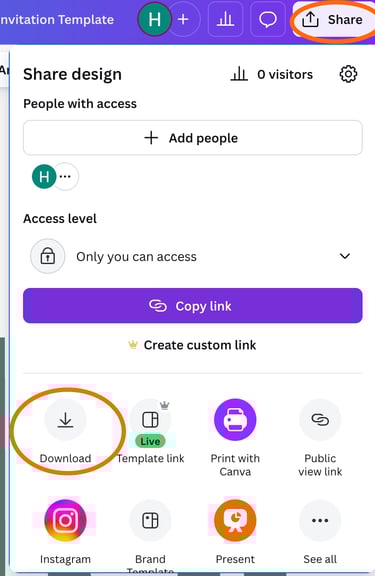
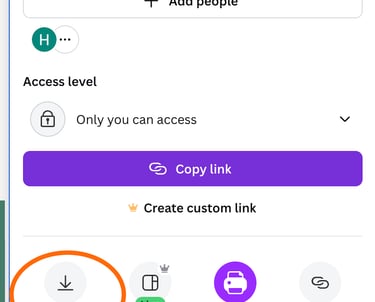
Now that your template is edited (make sure you double-check spelling/grammar), you are ready to download the design. Click "Share" and then "Download". In the download settings, you have quite a few options, so here is the simple of it.
If you are sending your invitations digitally:
In File Type, select "PNG" or "JPEG". (either should be fine) Leave all other settings as is.
Click "Download".
Now that your final design is downloaded, you can send it via text, upload it as an image to an online event platform, or include it in an email.
If you are printing your design to send via mail:
In File Type, select "PDF Print".
Check the box for "Crop marks and bleed" (most professional printers will want these, and it makes them easier to cut at home, too).
Change the color profile to "CMYK".
Click "Download".
Now that your final design is downloaded, you can print at home, Staples, or another printer of your choice.

Need Support?
We are here to help with template access issues and basic troubleshooting. Unfortunately, we are unable to provide Canva training and design support for our templates. If you need something more customized than any of our templates, we would be happy to discuss a custom project with you.
Support inquiries can be submitted through our contact form. Please allow 24 - 72 hours for a response.